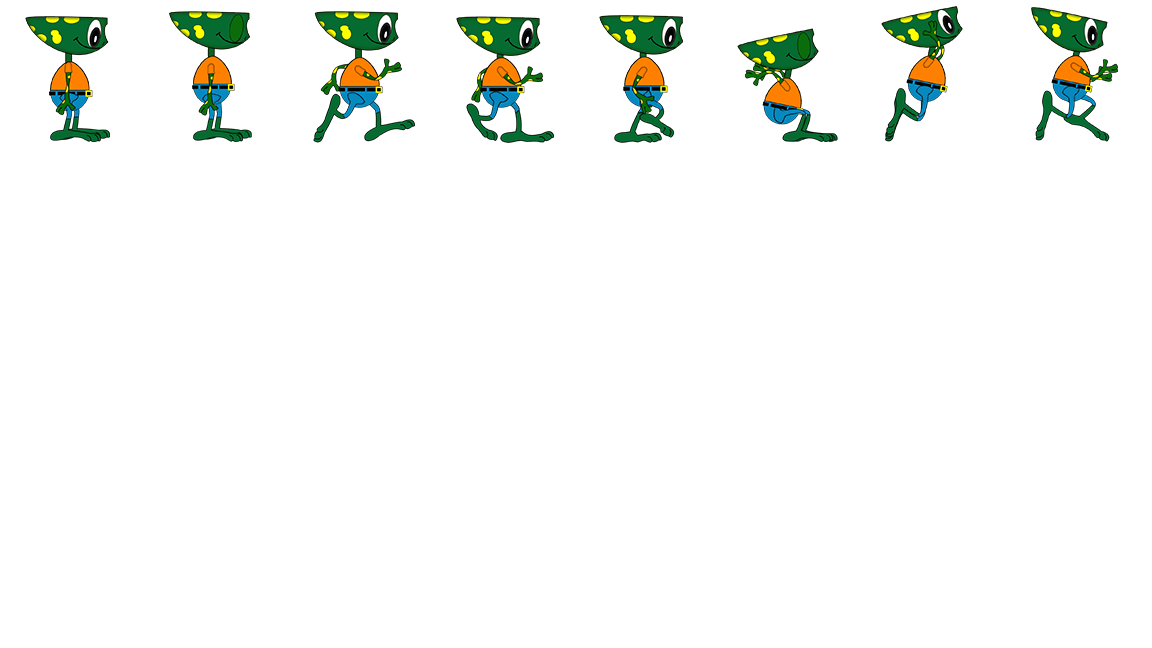
We will add our sprite sheet and use Godot and coding to animate our character
First step- Create a new folder on your desktop called
Coding Animations
Add your Sprite sheet to the folder
Open Godot and se this new folder as your project folder
Create a 2D Node for Game
Add a Static Body 2D and a Polygon 2D for a platform
Create a new SCENE by pressing the plus button on the Scene tabs
Create a Character Body 2D
Name it Player
Add the Code for the Character
Add a Animated Sprite 2D and create a
Walk
Jump
Idle
Follow the instructions below
Assignment
When you are done record your example as a movie file and turn in here
If you use the frog sprite, you will only get half credit
You should be using your own character.